
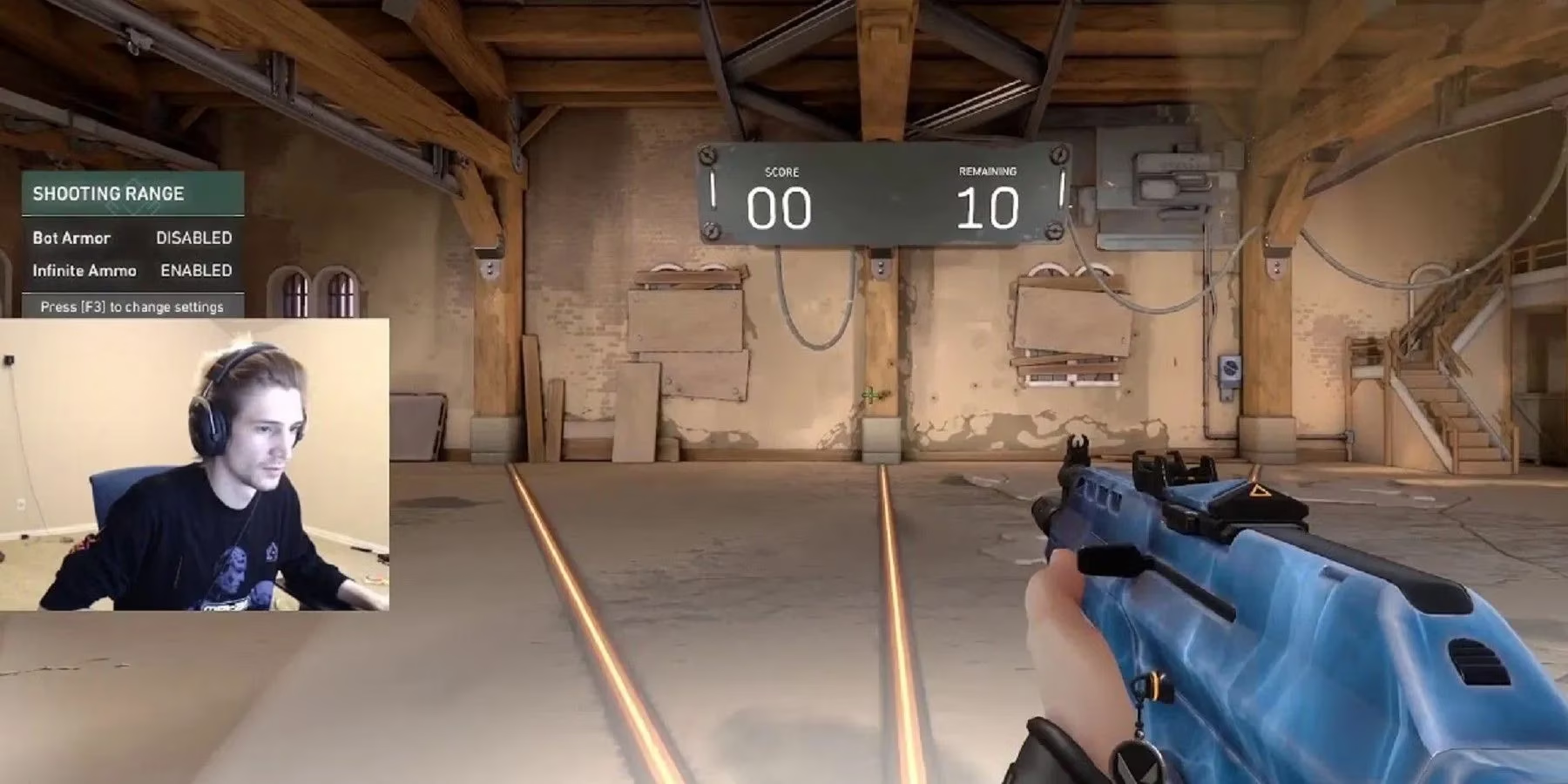
The world of streaming is full of unexpected moments, but few are as hilariously baffling as when a popular streamer discovers a digital behemoth lurking on their PC. In a now-iconic Twitch clip from back in the day, Felix "xQc" Lengyel, the king of variety streaming and high-energy reactions, had one of his most genuine "WTF" moments ever. While casually browsing his game library, intending to make room for the cozy vibes of The Sims 4: Cottage Living, he stumbled upon a monstrous file size that left him and his chat absolutely shook. The culprit? None other than Riot Games' tactical shooter, Valorant—a game that, in a bizarre twist of digital fate, appeared to be consuming nearly a terabyte of his precious hard drive space. It was a moment of pure, unadulterated gamer confusion that perfectly blended tech woes with comedic gold.
The Moment of Truth: A Storage Anomaly 😱
Picture this: xQc, mid-stream, decides to do some digital spring cleaning. He pops open his PC's control panel, navigates to 'Programs and Features,' and sorts everything by size. What he saw at the top of the list defied all logic. While games like Escape From Tarkov and League of Legends were chilling with their reasonable file sizes, Valorant was sitting there like a digital Godzilla, clocking in at a mind-boggling 847GB! For context, the standard install size for Valorant is roughly 20-25GB. xQc's reaction was priceless—a mix of disbelief, horror, and sheer comedy as he yelled to his chat, questioning how Riot's FPS could possibly be "such a large download." It was the ultimate "my game ate my homework" scenario, but for storage.
The Suspects: What Could Have Gone Wrong? 🕵️♂️
So, how does a 20GB game balloon to nearly a terabyte? While the exact cause for xQc's specific case remains a mystery from the archives, the streaming community and tech enthusiasts have some solid theories. Let's break down the usual suspects for Valorant storage bloat:
-
Corrupted Patch Files & Cache Buildup: This is the #1 suspect. Online games like Valorant constantly download updates, temporary files, and cache data. Sometimes, these files don't get cleaned up properly and start duplicating or corrupting, leading to a storage snowball effect.
-
Log Files Going Rogue: Valorant, like many competitive games, generates detailed log files for debugging. If the logging mechanism has a bug or isn't configured to auto-delete old logs, they can accumulate into a massive digital paper trail.
-
A Glitch in the Matrix (aka The System): It's possible xQc's PC had a rare display bug in the Windows control panel that misreported the size. However, given his need to clear space, it's more likely the files were actually there, taking up real estate.
Here’s a quick comparison of what xQc saw vs. what's normal:
| Program/Game | xQc's Reported Size (2022) | Normal/Expected Size (2026) |
|---|---|---|
| Valorant | ~847 GB | ~25 GB |
| League of Legends | < 1 GB | ~15-20 GB |
| Escape From Tarkov | Not Specified | ~25-35 GB |
xQc's Digital Ecosystem: A Streamer's Rig 🖥️
To understand the scale of this, you have to appreciate what's running on a top streamer's PC. xQc's 'Programs and Features' list was a who's who of gaming essentials:
-
Game Launchers Galore: EA Origin (where his Sims obsession lived), Battlestate Games Launcher, Epic Games Store, GOG Galaxy. It's a launcher-verse!
-
Streaming Essentials: Elgato software suites, OBS or Streamlabs, and of course, Discord for coordinating with the squad.
-
A Library of Games: Constantly rotating between FPS titles, RPGs, and life sims means his drives are always under pressure.
This incident highlighted a universal streamer struggle: storage management is a constant battle. When you're trying to download the latest Sims expansion for some chill content, the last thing you need is your main competitive game staging a storage coup.
Lessons Learned & The 2026 Perspective 💡
While xQc's terabyte Valorant was a legendary bug, it serves as a timeless reminder for all PC users in 2026. Game file management is more crucial than ever with titles getting larger and our libraries expanding.
Pro Tips to Avoid Your Own Storage Nightmare:
-
Regularly Clean Your Cache: Use in-game options or trusted PC cleaning tools (carefully!) to clear out temporary files for games like Valorant, Warzone, or Apex Legends.
-
Verify Game Files: All major launchers (Steam, Riot Client, Epic) have a "Verify Integrity" option. This checks for corrupted or missing files and can often fix weird size issues.
-
Monitor Your Folders: Occasionally check the actual install directories of your games. If you see a folder like
LogsorCachegrowing abnormally, it's time to investigate. -
Invest in Storage Smartly: In 2026, with NVMe Gen5 SSDs being the standard, having a dedicated, large fast drive for your active game rotation is a game-changer (pun intended).
xQc's reaction was more than just a funny clip; it was a relatable glimpse into the behind-the-scenes chaos of a content creator's tech life. It reminds us that even in a world of fiber internet and multi-terabyte SSDs, sometimes a game just decides to go completely off the rails and claim your entire drive as its kingdom. The moment lives on as a classic reminder to always, always check what's hogging your space before you go to install that next cozy game expansion. Happy gaming, and may your file sizes always be reasonable! 🎮✨